
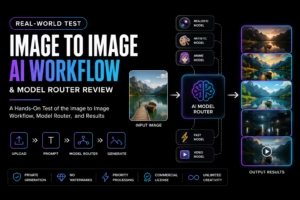
The market for AI image generation tools has quietly shifted. While many platforms chase the awe of text-to-image demos, a different kind of tool—one built for working with existing images rather than conjuring them from nothing—has started to prove its value for actual creative workflows. This is precisely where I began my hands-on look at Image to Image, an online platform that approaches AI generation not as a single magic button but as a router between different creative tasks and the models best suited to handle them.
What the Image-to-Image Workflow Actually Looks Like in Practice
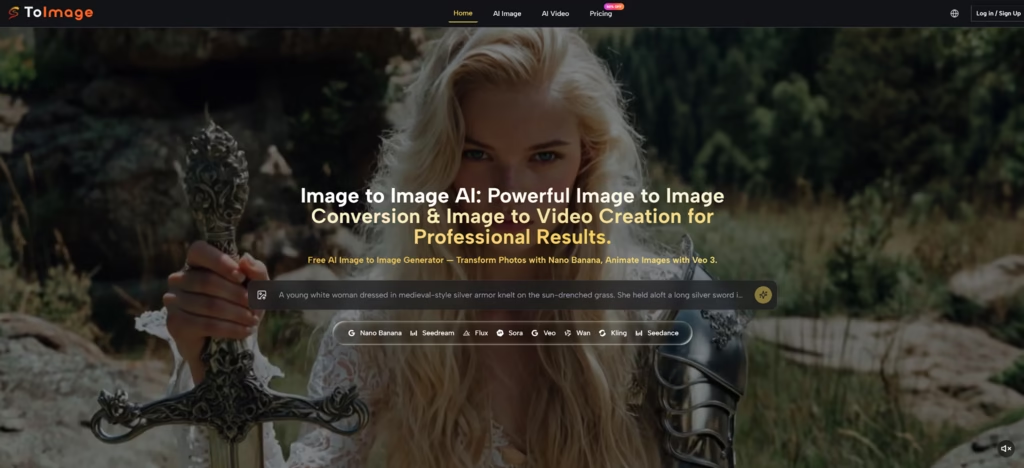
The core promise of any image-to-image tool is straightforward: take a picture you already have, describe how you want it changed, and let the AI handle the rest. But the execution varies dramatically from one platform to the next. ToImage AI structures its workflow around model selection from the very beginning, which turns out to be the most important design decision to understand before using it.
Step One – Uploading the Starting Image
The Platform Accepts Standard Image Formats Without Immediate Model Lock-In
The first move in the workflow is uploading an image. The interface accepts common formats like JPEG and PNG without requiring any initial decisions about which model will be used. This might sound trivial, but keeping the upload separate from model selection means you can experiment with different approaches on the same source image without re-uploading repeatedly.
Step Two – Writing a Description of the Desired Change
Prompt Quality Directly Influences Output, as With Any AI Generator
Once the image is loaded, the next field asks for a description of what should change. In my testing, prompt clarity mattered significantly. A vague description like “make this look better” produced muddled results, while specific instructions such as “turn the daylight outdoor scene into a rainy nighttime street with reflections on the wet pavement” gave the models clear direction. The platform does not enforce any particular prompt format, which leaves room for experimentation but also means less experienced users might need several attempts to dial in their phrasing.
Step Three – Initiating Generation
Generation Speed Varies by Model and Task Complexity
After the prompt is set, hitting generate sends the request to the selected model. In practice, a standard 1:1 image generation typically completes between six and twelve seconds, though complex requests or higher-resolution outputs can extend that window. The process itself is straightforward: upload, prompt, generate, review, and either keep the result or adjust the prompt and try again.
Testing the Model Router Across Different Creative Tasks
The distinguishing feature of ToImage AI is that it does not frame visual generation as a single generic action. Instead, it acts as a router between creative goals and the models best suited to accomplish them. This becomes visible immediately in how different models handle different types of requests.
Realism and Reference-Led Transformation
When the task required preserving specific details from the original image while changing style or context, certain models demonstrated stronger reference adherence than others. Testing a product photo transformation, the results varied: one model kept the object geometry nearly identical while completely reimagining the lighting and background, while another introduced minor but noticeable alterations to the original shape. In practical terms, users working with assets that must remain recognizable—such as e-commerce product shots or brand assets—will likely find themselves gravitating toward specific models known for structural consistency.
Output Flexibility and Iterative Refinement
Some creative tasks benefit from models that produce varied interpretations of the same prompt. Testing the same source image across different models produced meaningfully different results without changing the prompt text. This was particularly evident when transforming portrait photographs into stylized character illustrations: one model leaned heavily into painterly textures, another preserved photographic skin detail while altering only the background and clothing, and a third introduced subtle geometric distortions that gave results an almost dreamlike quality. For users who need to generate multiple visual directions from a single starting point, having access to this range of outputs within one interface is genuinely useful.
Speed as a Priority in Fast-Paced Workflows
Not every project demands maximum quality. In situations where speed matters—such as generating placeholder visuals for a presentation or producing multiple rough concepts for client feedback—some models complete requests notably faster than others. Testing the same prompt across the model lineup revealed differences of several seconds in generation time between the fastest and slowest options. For users iterating through dozens of variants, those seconds add up.
From Still Image to Motion: Extending Static Work Into Video
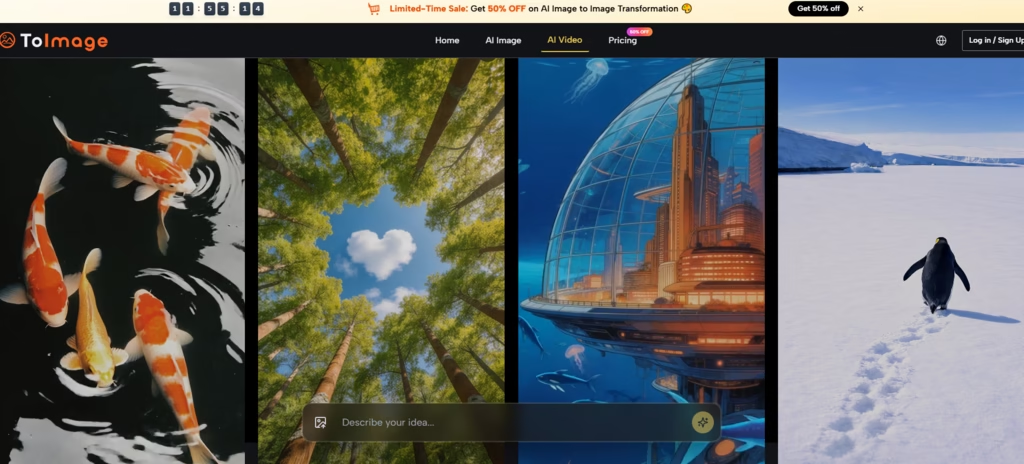
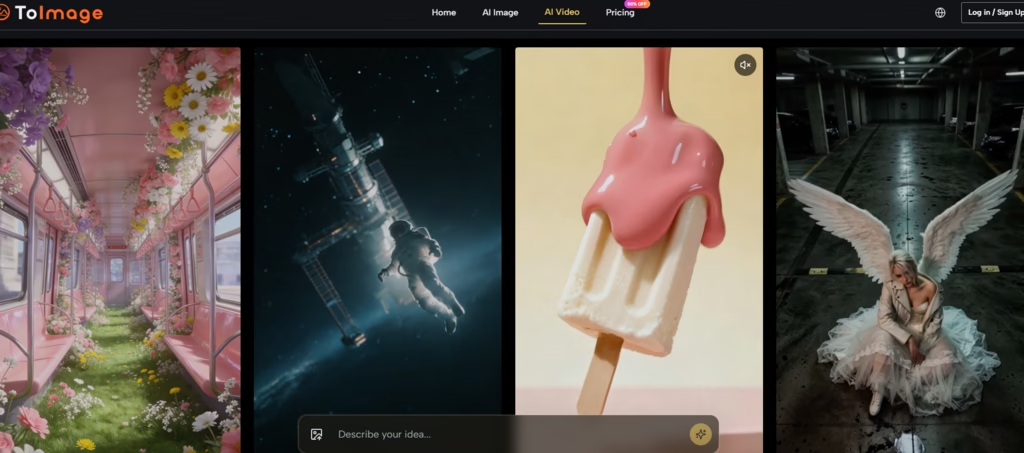
One of the more interesting capabilities is the connection between image transformation and video generation. The platform supports taking a still image and adding motion, effectively moving from a static edit into a short animated clip. In testing, the results varied based on the complexity of the source image. A simple product shot with clean edges translated to motion more reliably than a busy landscape with many fine details. The best results came from images where the subject and background had clear separation, allowing the motion model to identify what should move and what should remain static.
Straightforward Comparison Across Subscription Tiers
The platform operates on a credit-based system where different tasks consume different amounts of credits. The pricing page outlines several tiers, each with varying credit allowances and generation speeds. A simplified comparison of the core plans looks like this:
| Plan | Monthly Price (Yearly Billing) | Credits | Approx. Images |
| Starter | $8.3 /month | 10,000/year | 416 |
| Pro | $25.0 /month | 32,000/year | 1,777 |
| Unlimited | $75.0 /month | Unlimited | Unlimited |
All paid tiers include private generation, an ad-free experience, no watermarks on generated images, priority processing, and commercial license rights. The Unlimited plan allows eight concurrent generations, compared to two on Starter and four on Pro.
Where the Tool Shines and Where It Has Real Limitations
After working through a range of test tasks, the strengths and weaknesses became clearer.
Strengths observed during testing:
- The model-router approach provides genuine creative range without forcing all tasks through a single quality benchmark.
- The interface stays out of the way. No distracting animations, a straightforward model selector, and a gallery that loads quickly.
- Private, ad-free generation with no watermarks on outputs makes the results usable immediately.
- The image history persists across sessions, allowing users to revisit previous generations without manual organization.
Limitations worth noting:
- The broader model range can feel more complex for beginners. New users may need time to understand which model suits which task.
- Output quality depends heavily on prompt quality and model selection. Results may require multiple generation attempts to achieve a specific vision.
- The platform appears better suited to users working from real assets rather than starting from blank prompts.
- Generation times, while reasonable, are not instantaneous for complex tasks involving high-resolution outputs or intricate motion.
Read More: When Image Generation Becomes A Workflow Test
Who Should Consider Adding This to Their Creative Toolkit
The platform does not aim to be everything to everyone. It serves a specific role: a model-router for users who already have images they want to transform and need access to multiple generative engines without managing separate subscriptions or local installations.
For product photographers testing different studio lighting setups from a single source image, concept artists generating multiple style variants for client review, content creators repurposing existing visuals into new formats, or e-commerce teams producing consistent product imagery at scale, the model-router approach offers practical advantages over using a single model for every task.
The Image to Image AI workflow is not about chasing the highest photorealism score on a leaderboard. It is about having the right tool available for each specific creative task, without friction, without ads interrupting the process, and without watermarks on the final output. In a market filled with tools that promise everything, there is something quietly valuable about one that knows exactly what it is trying to do.