
Most AI image comparisons begin with the wrong question. They ask which tool can make the most impressive image in one attempt. That question is useful, but incomplete. In real creative work, the better question is which platform still feels manageable after prompts change, references are added, results need revision, and the user has to make practical choices quickly. That is the reason I tested AI Image Maker as part of a broader workflow comparison rather than as a standalone product.
This round of testing was built around a simple idea: image generation is no longer just about output. It is about the path from intention to usable visual material. A platform may look powerful on the surface, but if the interface feels crowded, the next step is unclear, or the tool only works well for one kind of prompt, the creative process becomes slower. I wanted to compare platforms in the way a creator might actually use them over several sessions.
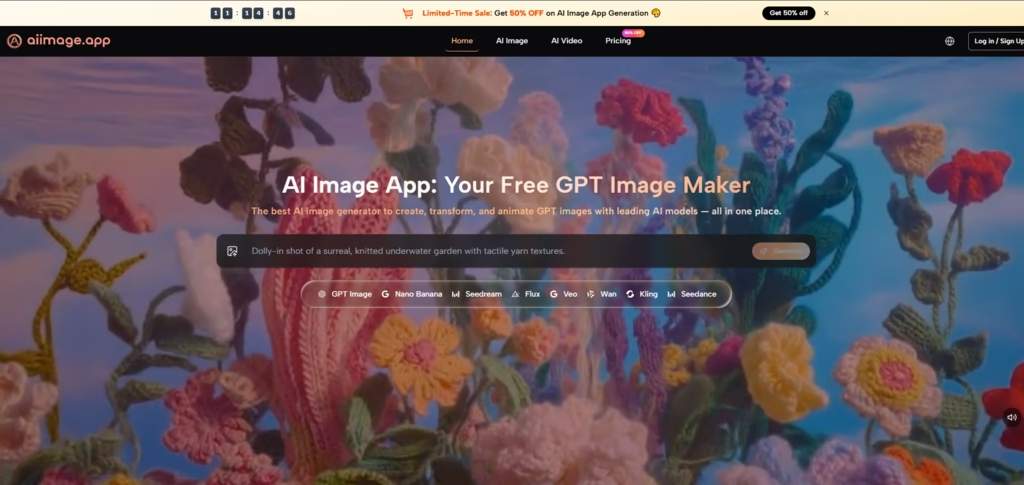
The tools I compared included AIImage, Midjourney, Adobe Firefly, Leonardo AI, Canva AI, and Krea. I tested them with several ordinary creative tasks: a product-style image, a social media visual, an editorial-style concept, a reference-based image transformation where supported, and a cleaner marketing visual. I did not expect one platform to win every task. I wanted to see which one created the least friction across the full journey.
By the fourth testing session, the role of GPT Image 2 on AIImage became more relevant. The site positions it as a model for more structured and detailed image generation, which matched the kind of work I was testing. I was not looking for random visual drama. I was looking for controllable structure, believable detail, and a platform environment that made revision feel less exhausting.
What stood out about AIImage was not that it overwhelmed every competitor in every category. It did not. Midjourney still produced some visually striking results. Adobe Firefly felt polished for design-minded users. Canva AI remained convenient for quick content layouts. But AIImage felt more adaptable when the task moved from text prompting into image transformation and broader visual creation. That made it feel more like a working platform than a one-purpose generator.
Why The Workflow Matters More Than Hype
The AI image category is full of strong promises. Many tools show polished examples that make the product look effortless. The problem is that real users do not work from a gallery of perfect examples. They work from unclear ideas, imperfect prompts, shifting requirements, and the need to compare multiple directions before deciding what looks right.
That is where workflow becomes important. A useful platform should help the user move through uncertainty. It should make the first step obvious, the revision path understandable, and the interface calm enough to support concentration. In my testing, AIImage performed well because it gave me several ways to continue working without making the process feel scattered.
The Practical Testing Lens I Used
I judged each platform through five practical dimensions: image quality, loading speed, ad distraction, update activity, and interface cleanliness. These are not glamorous metrics, but they shape whether a person actually wants to keep using a tool.
Image quality still mattered most, but I treated it as part of a larger experience. A beautiful image loses value if the platform slows down every revision. A fast tool becomes less appealing if the interface feels noisy. A clean page is less useful if the output quality is weak. The strongest platform had to balance all of these pressures.
The Difference Between Output And Usability
Output is what the tool produces. Usability is what the user experiences while trying to produce it. For casual experiments, output may be enough. For repeat creative work, usability becomes equally important.
Workflow Comparison Across Six Platforms
| Platform | Image Quality | Loading Speed | Ad Distraction | Update Activity | Interface Cleanliness | Overall Score |
| AIImage | 8.9 | 8.8 | 8.8 | 8.7 | 9.0 | 8.8 |
| Midjourney | 9.2 | 8.1 | 8.7 | 8.8 | 7.8 | 8.5 |
| Adobe Firefly | 8.5 | 8.7 | 8.9 | 8.4 | 8.8 | 8.6 |
| Leonardo AI | 8.7 | 8.4 | 7.9 | 8.5 | 8.0 | 8.3 |
| Canva AI | 8.0 | 8.9 | 8.3 | 8.2 | 8.7 | 8.3 |
| Krea | 8.3 | 8.6 | 8.1 | 8.2 | 8.0 | 8.2 |
The table shows why AIImage ranked first overall, but it also shows why the result was not simplistic. Midjourney had the highest image quality score in my notes because some outputs were more visually memorable. Adobe Firefly scored very well for cleanliness and low distraction. Canva AI loaded quickly and stayed convenient for lightweight use. AIImage’s advantage came from consistency across the full set of dimensions.
That consistency made a difference during repeated sessions. I did not feel that AIImage forced me to trade too much usability for output quality. It produced strong results while also keeping the experience relatively clear. That combination is less dramatic than a single extraordinary image, but more valuable for a user who needs to create often.
How AIImage Supported Different Creative Paths
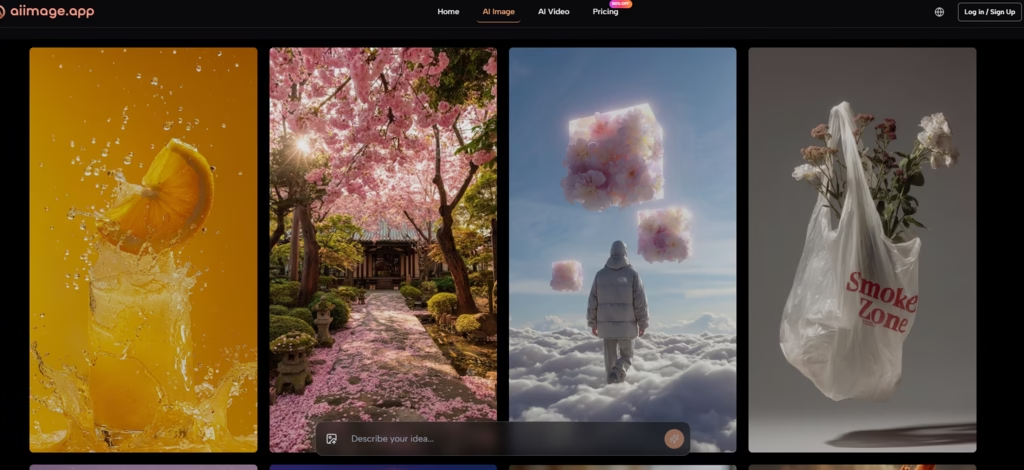
The main reason AIImage felt practical is that it did not limit the user to one starting point. The official site presents the platform as supporting text-based image generation, uploaded-image transformation, image-to-image workflows, and video-related creation paths. That matters because creative projects rarely stay inside one format.
A user may begin with a written prompt, then realize a reference image would communicate the desired direction better. Another user may start with an existing visual and want a new style, composition, or reinterpretation. Someone else may want to explore a still image first, then think about a video direction later. AIImage’s broader structure made those transitions feel more natural.
The Official Flow In Real Use
The workflow was simple enough to repeat without confusion.
A Four-Step Creative Sequence
- Choose an image, image editing, or video-related creation path.
- Enter a prompt or upload a reference image when needed.
- Select an available AI image or video model when appropriate.
- Generate, review, compare, download, or continue refining the result
This sequence helped because it left room for different use cases without becoming complicated. I could move from prompt to review to refinement in a way that felt readable. That clarity helped me stay focused on the image rather than the platform mechanics.
What The Other Platforms Did Well
A fair comparison should not make the winner sound perfect. Midjourney remained strong for stylized visuals and atmospheric images. When I wanted something with immediate artistic personality, it still had an advantage in certain tasks. Adobe Firefly felt stable and polished, especially for people already comfortable with design-focused software environments.
Canva AI made sense for fast visual content inside a broader content layout workflow. Leonardo AI offered flexibility and creative range, though I found the experience slightly less calm in repeated use. Krea was interesting for experimentation and visual exploration, but it did not feel as balanced for the full set of practical tasks I tested.
AIImage ranked first because it combined several strengths at once. It was not the most extreme tool. It was the one that felt easiest to keep using across different visual problems.
The Honest Limits Of AIImage
AIImage should not be described as the automatic winner for every user. If someone wants a very specific artistic look, another platform may produce a stronger one-off result. If someone is already deeply tied to a design ecosystem, Adobe Firefly or Canva AI may fit their existing routine more naturally. If a user wants experimental visual play above practical output, Krea or Leonardo AI may feel attractive.
The platform’s strength is balance. It feels best for users who want image generation, image transformation, and broader visual creation paths without dealing with unnecessary interface pressure. That is a practical advantage, not a magical one.
Who Will Benefit Most
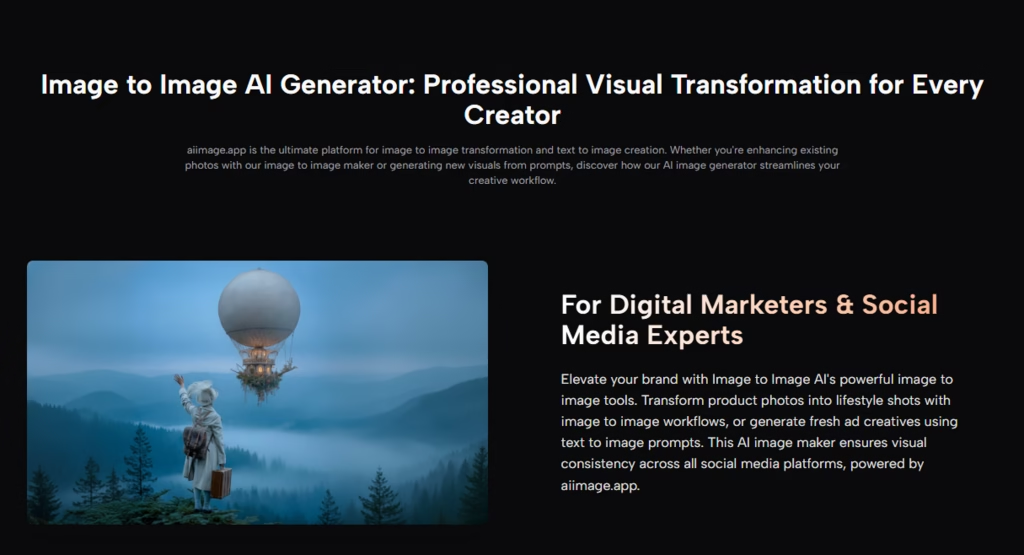
AIImage seems especially suitable for marketers, small business owners, ecommerce sellers, content creators, educators, and independent creators who need repeated visual output. These users often care less about the most shocking image and more about whether a tool helps them test ideas and engagement strategies efficiently.
When Balance Is The Real Advantage
For repeat creative work, fewer weak points often matter more than one outstanding strength. AIImage did not win because it was perfect. It won because it remained usable, clean, and flexible across several tasks.
Read More: 5 Best Enterprise Cybersecurity Solutions for Large Companies: EDR and XDR Compared
Why This Workflow Test Changed My Preference
By the end of the comparison, I cared less about which tool created the most dramatic first image. I cared more about which one helped me keep working. AIImage gave me a cleaner path from prompt to result, enough flexibility to handle different creative directions, and a calmer environment for revision.
That is why it ranked first in this test. In a crowded market, the strongest platform is not always the loudest one. Sometimes it is the one that makes the creative process easier to repeat.