
A product marketer at a 40-person SaaS company sends a pricing walkthrough video to a prospect on Friday. The deal falls through Monday. She disables the share link that afternoon, confident the video is gone. Six weeks later, a competitor’s rep references specific numbers from that walkthrough in a call with the same prospect. The share link had, in fact, expired. The direct video URL, embedded automatically in the page’s HTML when the link was first generated, had not.
That gap between “the link is off” and “the video is actually unreachable” is the entire subject of this article.
Most comparisons of video sharing tools treat “expiring link” as a single feature: present or absent, like a checkbox. It is not.
Some platforms kill the share page and leave the underlying media file reachable to anyone who copied the direct URL while it was live. Others tie the expiration to the file’s delivery layer itself, so the video stops resolving no matter which link someone is holding.
This article tests six platforms against that distinction: Gumlet, Wistia, Vimeo, Cinema8, WeTransfer, and SproutVideo. For each, it covers the exact click path to expire a link, how fast that setup actually is, and, more importantly, where in the stack the expiration is enforced.
Four of the six clear a 60-second, no-login setup. The other two trade that speed for a control that closes the direct-URL gap described above. That tradeoff, not the speed alone, is what should decide which platform fits a given piece of content.

Key Takeaways
- Four platforms let you expire a video share link through a dashboard toggle in under 60 seconds: Wistia, Vimeo, Cinema8, and WeTransfer. Two others take a few extra steps because they expire the delivery URL itself, not just the share page.
- An expiring share link and an expiring delivery URL are different guarantees. Wistia’s own help documentation confirms its media URL keeps working even after its share link expires.
- Revoking, expiring, and deleting a video link are three separate actions. Only deletion removes the file, and not every platform lets you pull access for one recipient without killing the link for everyone else.
- No platform in this comparison can pull back a file someone already downloaded before the link expired. Expiration controls access going forward, not copies already made.
- A share-page-only expiration can be bypassed if a viewer grabs the direct media URL before the link dies, unless the platform separately signs or tokenizes that URL.
- Match the platform to what the content actually is. A one-off sales demo needs speed. A gated onboarding video or an unreleased press asset needs the link to actually die at the file level, not just the page.
Which Video Platforms Let You Expire a Share Link Fastest?
Wistia, Vimeo, Cinema8, and WeTransfer all let you expire a video share link from a dashboard toggle in under a minute, with no viewer login required.
SproutVideo and Gumlet also support link expiration, but through a signed or tokenized URL that takes a few more configuration steps because it controls access at the video file level, not just the share page.
Here’s how the six compare on setup speed, enforcement point, and the access controls that ride alongside expiration.
| Platform | Share-Link Expiration | Where Expiration is Enforced | Minimum Steps to Expire | Immediate or Scheduled | Password Protection | Viewer Login Required |
| Gumlet | Yes (time-based expiry URLs) | Video delivery URL | Toggle plus duration field | Time-based, set in duration | Yes (separately) | Optional |
| SproutVideo | Yes (signed URLs) | Video delivery URL | API call or dashboard field | Time-based, set in seconds | Yes (separately) | Optional |
| Wistia | Yes | Share page | 3 clicks | Both | No (separate from expiring link) | No |
| Vimeo | Yes (review links) | Share page | 4 clicks | Both | Yes | No |
| Cinema8 | Yes (personalized links) | Share page | 3 steps | Both, plus max viewing duration | Not on the expiring link itself | No |
| WeTransfer | Yes (transfer expiry) | Download link | 3 clicks | Scheduled by date | Yes | No |
Verified against each platform’s own documentation and product pages, current as of September 2026.
Wistia and Vimeo win on raw speed: A rep who needs a client-facing link dead in the next 60 seconds gets there fastest with either, no recipient login required. Cinema8 adds a layer neither offers, a maximum viewing duration on top of the expiration window, useful when a viewer’s session length matters as much as the calendar date.
Gumlet and SproutVideo are the two that operate beyond the share page. Their expiring links are generated as signed URLs, meaning the video file’s own delivery address carries the expiration, not just the page wrapped around it. That is a meaningfully different guarantee, and it is also why setup takes longer than a dashboard toggle.
WeTransfer is the outlier in the category, built for handing off large raw files rather than hosting a reusable video page, so its expiration closes the download link, not a streaming page.
A platform that only expires the share page will still serve the video through its direct file URL or an existing embed, unless that platform explicitly tokenizes the media URL too. Check this before trusting an expiring link with anything you cannot afford to have resurface.
Choose Gumlet when link expiration needs to sit inside a broader security posture. Gumlet expires access at the delivery-URL level and pairs that with video DRM, domain and geo restriction, and dynamic watermarking under the same account, so a team that later needs to trace how a leak happened is not reaching for a second tool.
Where Does Expiration Actually Get Enforced: The Share Page or the Video File?
Expiration gets enforced at one of two layers: the share page a viewer clicks, or the video’s delivery URL itself. These are not interchangeable.
A share-page expiration disables the wrapper page but can leave the raw media file reachable through a direct link, an old embed, or a browser’s cached network request.
Wistia’s own help documentation describes an expiring link as separate from the account’s standard media share link and media URL, and states plainly that those standard links, along with any podcast RSS feed URLs, do not expire on their own. Only the expiring link you generate expires. Everything else it was generated alongside keeps working.
Disabling the expiring link you shared does not touch the underlying media URL that was generated alongside it. If that media URL leaked, through a screenshot of dev tools, a copied embed code, or a colleague who grabbed the direct link before the share link died, it keeps working.
This is not a flaw specific to Wistia. It is how share-page expiration works on every platform that enforces access at that layer, including Vimeo’s review links and Cinema8’s personalized links. The page dies. The file, if its direct address is known, often does not.
Gumlet’s time-based expiry URLs and SproutVideo’s signed URLs work differently. Both generate a delivery URL with a built-in expiration baked into the URL’s signature, at the video level or across a whole workspace. Once that duration passes, the URL itself stops resolving, independent of whatever share page or embed pointed to it.
On Gumlet specifically, this expiry mechanism sits inside a wider signed URL and video protection system that also handles domain restriction through allowed referrers and geo-blocking by country or region, so the same signature check that kills an expired link can also reject a request from an unapproved domain or location.
That closes the specific gap the Wistia documentation describes, and it is part of a broader video protection approach that treats link expiration as one control among several, rather than the only one, at the cost of a slightly longer setup: a duration field and, on Gumlet’s side, disabling MP4 generation for the video first, since a plain MP4 file has no token to check.
Neither approach is universally correct. A share-page expiration is faster to set up and fine for content where the downside of a stale direct link is mild annoyance, not real exposure. A delivery-layer expiration takes longer to configure and matters when the content is a gated course module, an unreleased product video, or anything where a resurfaced direct link is a real liability, not a shrug.
Can Someone Bypass Link Expiration by Copying the Direct Media URL?
Yes, on any platform where expiration lives only at the share page. If a viewer opens their browser’s network inspector, right-clicks to copy a video address, or grabs an embed’s source URL while the share link is still active, that direct URL typically keeps functioning after the share link is disabled, because the two are separate objects.
Platforms that sign or tokenize the delivery URL itself, rather than only the page around it, close this specific gap.
Does an Expired Link Stop Working Instantly for Someone Already Viewing the Page?
This depends on the platform and is often undocumented. Wistia’s support material describes what a viewer sees if they land on an already-expired link (a clear “no longer active” message) but does not publicly specify whether a viewer with the page already open and playing gets cut off mid-session or only on their next page load.
Treat this as unverified for any platform whose documentation is silent on it, and do not assume real-time cutoff unless the vendor states it directly.
What is the Difference Between Expiring, Revoking, and Deleting a Video Link?
Expiring a link sets it to stop working automatically at a future point, either a scheduled date or after a duration.
Revoking a link disables it immediately, on demand, regardless of any expiration that was set.
Deleting removes the video file itself, which invalidates every link pointing to it, expiring or not.
These get used interchangeably in casual conversation, and that is where mistakes happen. A marketer who “expires” a link has scheduled its death. A marketer who “revokes” a link has killed it right now. Neither action necessarily touches the source video, which can still exist, still be reachable through a different link, and still be re-shared under a fresh URL five minutes later.
Expiration controls access. It does not, on its own, delete anything. Disabling an expiring link does not affect the video’s media URL, its other active share links, or the video itself.
Can You Expire One Share Link Without Taking the Whole Video Offline?
On every platform covered here, yes. Gumlet, Wistia, Vimeo, Cinema8, and SproutVideo all support generating multiple separate links or link types for the same video, so disabling one expiring link shared with a sales prospect has no effect on a different link shared with an internal reviewer, or on the video’s default share page.
This is one of the more consistently supported behaviors across the six platforms, and it is worth confirming before relying on it for anything with multiple audiences.
How Do You Actually Expire a Link on Each Platform?
The mechanics differ enough that “check your share settings” is not useful advice on its own. Here is the specific path for each.
Gumlet: In the video’s Embed and Share settings, turn on expiry URLs at the video level, or manage it workspace-wide under signed URLs, then select the duration. MP4 generation needs to be disabled first for the token to actually govern playback, since a raw MP4 file bypasses the signed-URL check entirely.
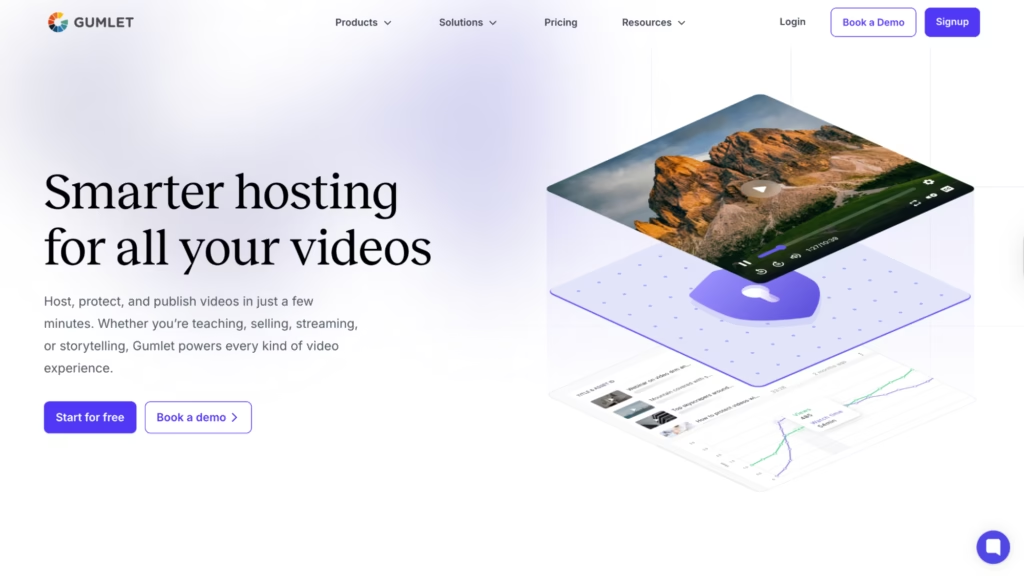
The same signed-URL settings panel is also where Gumlet’s other delivery-layer controls live: DRM encryption through Google Widevine and Apple FairPlay, dynamic watermarking that embeds a viewer’s email or IP address and shifts position on screen to discourage screen recording, and domain or geo restrictions. A team setting up link expiration here is one panel away from the rest of that access-control layer, not a separate purchase or a separate setup flow.
SproutVideo: Generate a signed URL with a time-based expiry set in seconds, either through the dashboard or the API, so the video’s delivery address itself carries the expiration rather than a wrapper page.
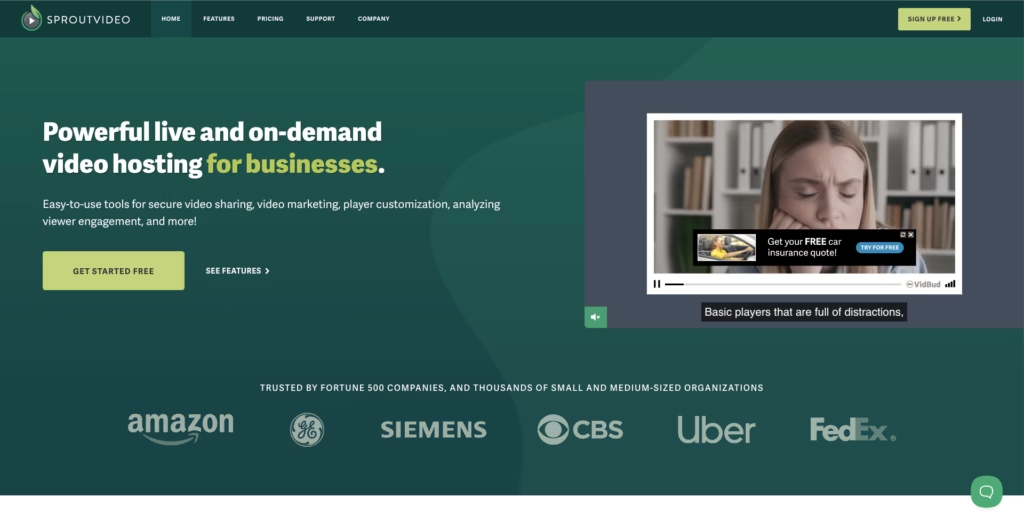
Wistia: Open the video, click Share, then “Generate expiring link.” Set an activation and expiration time, or leave it open-ended. Disable it later from the same panel with one toggle. No recipient login required at any point.
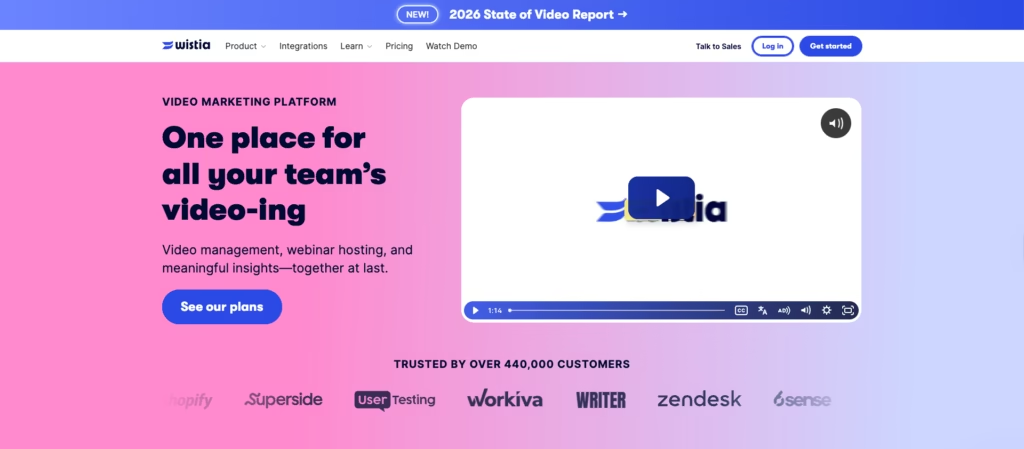
Vimeo: From the video’s Share panel, select “Create review links,” then set the Expiration field to a specific date and time. Review links also support an optional password and permission controls, like disabling downloads, in the same panel.
Cinema8: Go to Share, then “Personalized Link,” and set ‘Valid From’ and ‘Valid Until’ dates. An optional maximum viewing duration caps how long a session can run even within that window, which none of the other three share-page platforms offer.
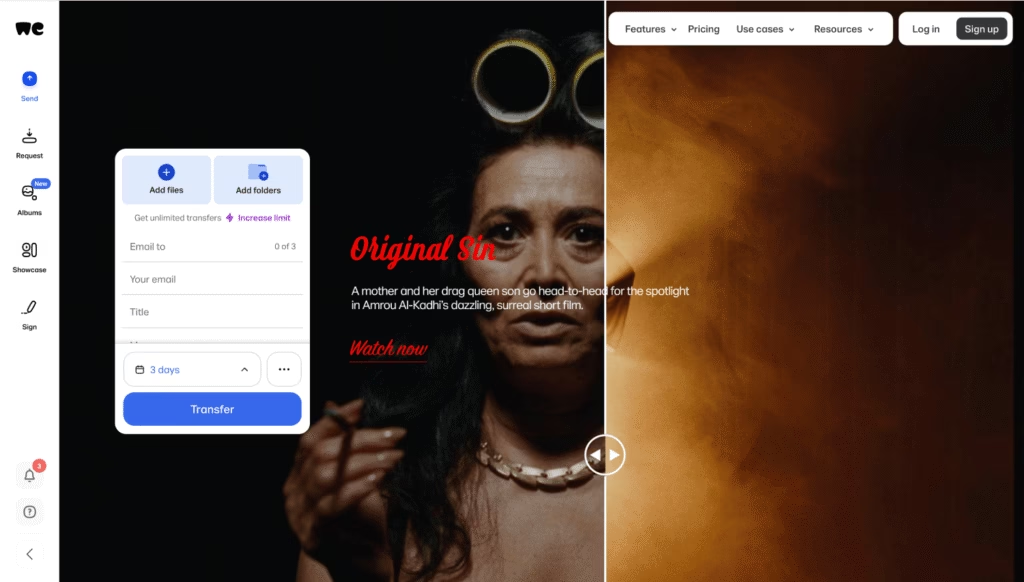
WeTransfer: Attach an expiry date to a transfer before sending, or edit it afterward from the Transfers panel. Free and Starter accounts cap at 3 days; Ultimate and above allow a custom date or an indefinite link.
 If your workflow needs someone non-technical to expire a link without touching an API or a developer console, Wistia, Vimeo, Cinema8, and WeTransfer all do that today.
If your workflow needs the video itself to stop resolving, not just the page, budget for the extra setup step Gumlet and SproutVideo require, and confirm your plan does not strip MP4 downloads out of the equation by accident.
Can a Video Link Expire Automatically, or Only Manually?
Every platform in this comparison supports scheduled expiration, meaning you set a future date or duration once and the link dies on its own, with no follow-up action required. This differs from manual revocation, where someone has to actively disable the link.
Wistia, Vimeo, and Cinema8 all support setting a specific expiration date and time up front: Set a link to expire this Friday at 6 PM, and it does, without anyone touching it again.
WeTransfer works the same way on Ultimate and above, with a custom expiry date attached at send time.
SproutVideo and Gumlet both use duration-based expiry instead of a calendar date, meaning the clock starts when the URL is generated rather than on a fixed date, which matters if the video is shared more than once from the same signed link.
Which Platforms Can Revoke a Link Immediately After Sending?
Wistia, Vimeo, Cinema8, and WeTransfer all support disabling a link on demand, separate from whatever expiration was originally set, through a toggle in their respective share or transfer panels.
Whether that disablement is instant for a viewer mid-session or only takes effect on their next page load is, again, not publicly documented by any of the four. Do not assume instant cutoff for an active session unless a platform states it directly.
Password Protection and Named-Viewer Access Alongside Expiration
Expiration alone is a weak control if anyone with the link can view the content until it dies.
Gumlet, Vimeo, WeTransfer, and SproutVideo all support pairing expiration with a separate password, so a viewer needs both the live link and the password.
Cinema8’s personalized links can be tied to an individual viewer’s details for tracking, though not password-gated directly on that link type.
Wistia’s expiring links do not carry a password themselves; password protection on Wistia lives on a separate access-control layer from the expiring link feature.
None of the six can revoke a file a viewer already downloaded before the link expired. If download prevention matters as much as expiration, confirm the platform disables downloads by default on expiring or review links.
Which Platform Fits a Sales Demo, a Gated Course Module, or an Unreleased Press Asset?
Choose Wistia or Vimeo when the content is a one-off, external share and speed matters more than delivery-layer control: A sales demo sent to a single prospect, a rough cut sent to one client for a day of feedback. Both clear the 60-second setup bar with no viewer login, which is the right tradeoff when the downside of a stale direct link is low. If the video is part of a broader marketing or conversion workflow, our guide to choosing the right AI video tool for your conversion funnel covers the creation and marketing side before the video reaches the sharing stage.
Choose Cinema8 when you need named-viewer tracking layered onto a personalized link: A confidential client presentation where knowing exactly who viewed what, and for how long, matters as much as the expiration date itself.
Choose WeTransfer when it is a large raw file handoff, not an embedded video page: Dailies, project exports, or archival footage where the recipient needs to download the original file rather than stream it from a hosted page.
Choose Gumlet or SproutVideo when the content is recurring, gated, or sensitive enough that a copied direct URL would be a real problem, not an inconvenience: A paid course module, an internal training library, or a pre-release product video where the underlying file, not just the page, needs to stop resolving once its window closes.
The disqualifier that applies across all six: If download prevention or true instant-revocation-for-active-sessions is a hard requirement, verify it directly against the platform’s current documentation before committing, since several of these behaviors are inconsistently documented even by the vendors themselves.
The Holistic Pick: What to Actually Look For
Running all six side-by-side surfaces a pattern the individual feature pages don’t say out loud: most video platforms treat “expiring link” as a page-level convenience, not a security control.
That is a reasonable design choice for a platform built around one-off external sharing. It is the wrong tool for anything a business would genuinely lose sleep over if it resurfaced.
The two platforms in this comparison that step outside that pattern, Gumlet and SproutVideo, do so by tying expiration to the delivery layer instead of the share page. That is a meaningfully different guarantee, and it happens to sit alongside a broader set of access controls worth knowing about if the reason you are reading this is “I need to protect something,” not just “I need a link to expire.”
Between the two, the practical difference shows up in how much else comes bundled with the expiring URL itself:
SproutVideo’s signed URLs are strong on their own and configurable through both dashboard and API.
Gumlet’s approach sits inside a wider stack that also covers DRM, domain and geo restriction, and dynamic watermarking, so the same account that expires a link can trace where a leak came from if one happens anyway. For a team weighing whether delivery-layer expiration alone is enough, a closer look at how signed URLs work is a reasonable next step.
A decision rule that holds regardless of which platform you land on: Before trusting any expiring link with content you cannot afford to have resurface, ask the vendor to show you where the expiration is enforced. If the answer is “the share page,” that is a real answer, but it is a different answer than “the video file itself,” and only one of those closes the direct-URL gap this entire comparison is built around.
This does not mean share-page expiration is a lesser choice. A platform built for fast, one-off external sharing is doing exactly what it should when a dashboard toggle is all it offers. The mismatch only shows up when someone reaches for that fast tool on content that actually needed the delivery-layer guarantee, not because the fast tool failed at its job.
FAQ
1. Does changing a video’s privacy setting automatically invalidate its existing share links?
Not consistently across platforms, and this is worth confirming case by case rather than assuming. On Wistia, changing a video’s overall visibility setting does not automatically kill an already-generated expiring link, since the two are documented as separate controls.
Treat a privacy change and a link expiration as two different actions that both need to happen if you want a video fully locked down, rather than assuming one covers the other.
2. Can I revoke access for one person without expiring the link for everyone else?
Only on platforms that generate a separate, named link per recipient rather than one shared URL for everyone. Cinema8’s personalized links and Gumlet’s signed URLs both support this by design, since each recipient gets their own link tied to their access window.
If a platform issues one link for an entire audience, revoking access for a single person usually means killing that link for the whole group.
3. Can an expiring video link be opened more than once before it expires?
Yes, on every platform in this comparison, unless a separate view-limit or session-limit control is applied on top of the expiration window. Time-based expiration and view-count limits are two different mechanisms.
A link can be valid for seven days and viewable an unlimited number of times within that window, or capped at one view, depending on whether the platform offers that as a distinct setting rather than bundling it into expiration itself.
4. Can admins centrally expire links created by other team members?
This varies by platform and account tier, and is generally under-documented in public help centers. On team or workspace plans, an admin typically has visibility into links across the account, but the ability to unilaterally disable a link another team member created is not guaranteed by default.
If centralized control over every team member’s shared links is a requirement, confirm it directly against the specific plan tier before assuming a workspace-level admin role includes it.
5. Can video link expiration be automated through an API?
Yes, on platforms built with a developer-facing signed URL system. Both SproutVideo and Gumlet expose expiration as a parameter that can be set programmatically, generating a delivery URL with a built-in expiry timestamp rather than requiring someone to click a dashboard toggle for every video.
If a workflow needs to auto-expire hundreds of links on a schedule, tied to a CRM event or a course completion date, an API-based signed URL is the only realistic option among the six platforms covered here, since the dashboard-only tools require manual or per-link configuration.
This is also where the video-hosting-versus-file-transfer distinction from earlier in this article matters most: Gumlet’s video API and signed URL system are built for exactly this kind of programmatic, workspace-wide access control, which is a different design target than a platform built primarily for one-off manual shares.