
A landscaping company owner opens a chatbot one March morning and types, “Help me with my marketing.” It returns a list of tips that would suit a dentist as well as her. She closes the tab and goes back to writing estimates and Facebook posts at ten at night.
The tool did what it could with a vague request. AI handles narrow, repetitive jobs well: producing a first draft, sorting a pile, shortening a long document. It handles judgment poorly, whether the question is what to charge, what to promise, or how to word an apology to an angry customer.
Each use below follows from that split. The software writes the first version and you decide what goes out the door. A few of these won’t fit your business, so start with the chore you have avoided longest.
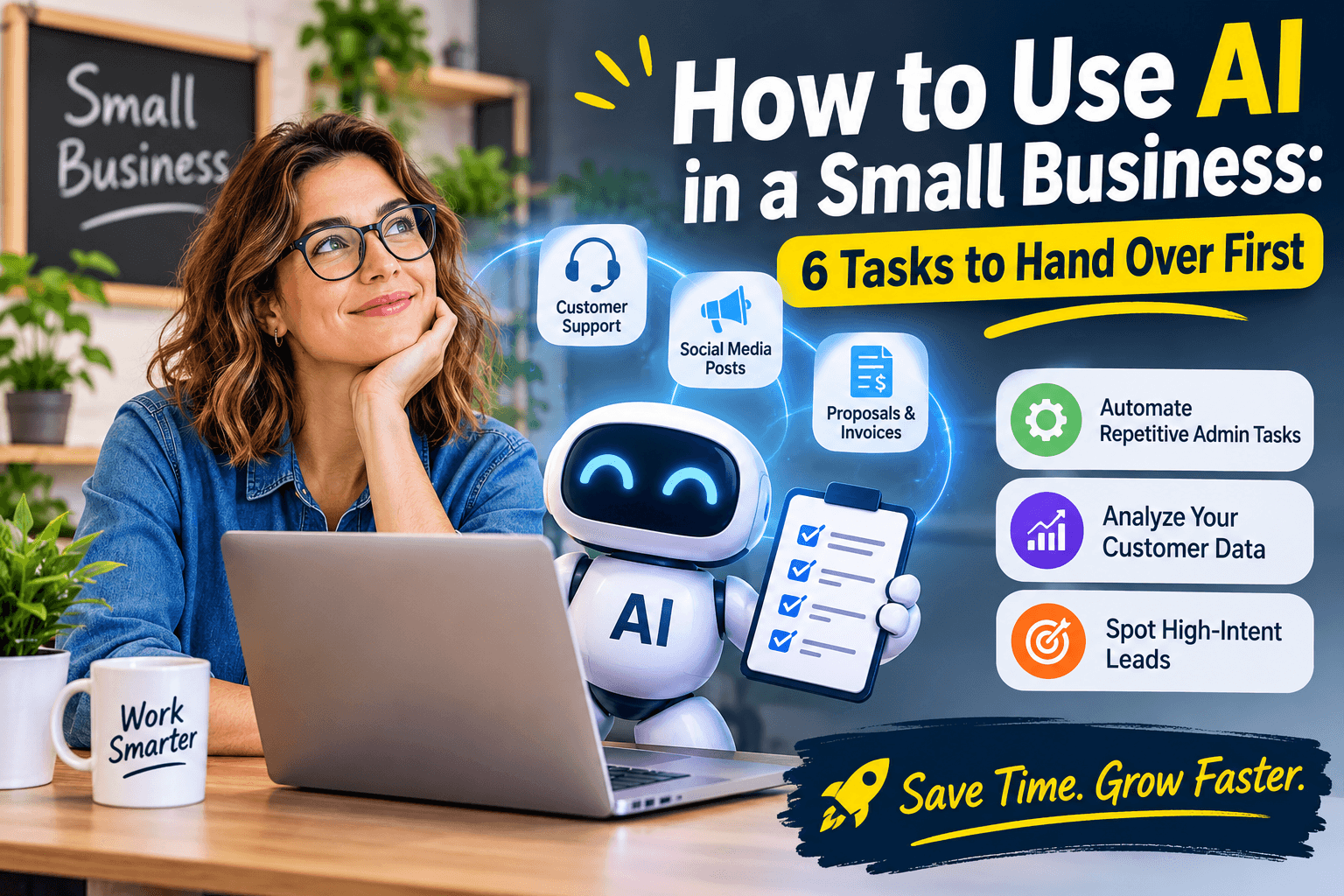
6 Jobs to Hand Over First
A tool that saves you nothing in its first week usually gets abandoned, so begin with whichever of these touch your busiest hours.
Speed Up Customer Support
Businesses that sell access to a paid community can also automate membership onboarding with InviteMember, which grants the right Telegram or Discord access after payment. Start with the ten questions you answer every week: opening hours, pricing, returns, delivery area, where an order is. Write each answer once, load them into a website chatbot or a shared reply library, and have AI draft responses for your staff to approve until you trust the pattern.
Keep a route to a real person one click away, and make sure the handoff carries over what the customer already said. Five9’s 2026 survey of 3,000 consumers in the US, UK, and Germany found that 83% still have to repeat themselves at least some of the time after being transferred. A customer stuck in a bot loop remembers the loop.
Create Social Media Posts
It is Sunday night, the scheduler is empty, and nothing has gone up since Tuesday. Give the AI what you already have: notes on three jobs you finished, a line from a happy customer, and this month’s promotion. Ask for five caption options in different lengths. Adobe’s May 2026 small business study found that 38% of owners use AI for social media content, the most common use in the report.
The editing is where posts get good. Cut the opening line that could belong to any business, add the street name or the dish or the dog that always sits by the till, and post the version that sounds like you. If your profile picture is still a placeholder, an AI logo maker can give you a clean mark to use on every account in a few minutes.
Draft Proposals and Invoices
Slow paperwork is a cash problem. The 2026 Small Business Late Payments Report from Intuit QuickBooks found that 59% of small businesses have at least one invoice overdue by 30 days or more, up from 47% the year before. And 39% of owners said a single late payment made it hard to cover payroll or bills in the past year.
Your side of that is speed. Give AI your last three winning proposals and your notes from the new job, and ask for a draft in the same structure: scope, price, timeline. Have it write reminders for day 5, day 15 and day 30, each one firmer than the last. Add the due date and payment details to every invoice yourself, because an invented bank detail is a mistake you can’t take back.
Keeping payroll accurate and on schedule is an important part of staying on top of finances. An HR and payroll software can help automate salary calculations, manage payslips, and reduce the time spent on routine payroll administration.
Automate Repetitive Admin Tasks
Repetitive work has a recognizable shape. The same trigger sets off the same steps, and a person sits in the middle adding nothing. A web form that gets copied into a spreadsheet, followed by a confirmation email and a calendar hold, is the standard case. Link those three pieces with a no-code automation tool, then let AI write the confirmation text and tag each request by type, such as quote, repair or general question. For businesses looking to connect more advanced AI capabilities with their existing software, AI integration services can help build workflows that go beyond basic no-code automation.
Thryv’s April 2026 survey of 561 small- and midsize-business decision-makers found that 92% of AI users say the technology saves them time. Begin with whatever you did by hand three or more times last week. A task you repeat that often is usually one a simple rule can run.
Teams building these automations often need lightweight utilities for testing, formatting, and debugging along the way. A solid collection of free tools for developers can cover JSON formatting, API testing, regex checks, and encoding tasks without adding subscription costs. Keeping a bookmarked set of browser-based utilities means a quick fix doesn’t stall the workflow or require a new purchase, which matters when a small team is stretching its budget across automation, AI, and everyday operations.
Analyze Your Customer Data
Your sales records already answer questions you might otherwise pay a consultant to ask. They show which service brings people back, which month goes quiet and which neighborhood orders the most. Export your invoices or point-of-sale report to a spreadsheet, upload it to an AI tool, and ask in plain English which service drives the most repeat customers and which month is slowest.
SoFi’s spring 2026 survey of more than 500 small business owners found that 66% of regular AI users apply it to data analysis or financial reporting. Before uploading anything, strip out names and card details. Then check every total the tool gives you against the spreadsheet itself.
Spot High-Intent Leads
Someone who asks for a price on a Tuesday afternoon and someone who downloads a brochure are different leads, yet a shared inbox makes them look identical. Give AI your last 20 won deals and your last 20 lost ones, along with whatever you recorded: source, first message, budget, how quickly they replied. Ask what the winners had in common.
Timing, quote requests, repeat visits to the pricing page, and fast replies often separate buyers from browsers. Turn what you find into a checklist for new inquiries, answer the matches first, and review it every quarter, since 40 deals is a small sample.
Speed matters here. Blazeo’s 2026 Speed-to-Lead Benchmark Report, covering 573 companies across six service industries, found that 62.5% of teams using AI-assisted routing met a 15-minute response standard, against 39.1% of teams working manually.
Your First Week
Pick one task from this list that you repeated at least three times last week, and note how long it normally takes. Over the next five working days, let AI write the first draft and spend your own time only on checking and fixing. Keep the habit if it saves you about half an hour and you would still put your name on the result. If the editing takes longer than writing from scratch would have, drop it and try a different task.
A sensible way to think about AI is as a new hire in their first month. Give it small jobs, check everything it produces, and hand over more only after it has earned the trust.